

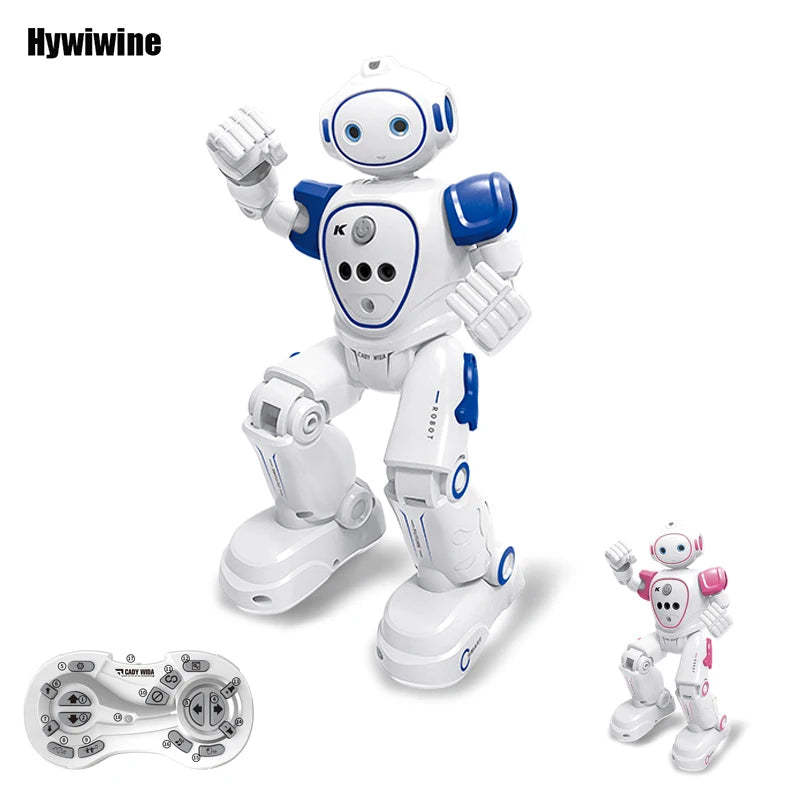



Emo robot toy 2.4
- Regular price
- $61.99
- Regular price
-
$0.00 - Sale price
- $61.99
- Unit price
- per
Shipping in
Sku : 14:173#Blue
Couldn't load pickup availability
Product specifications
| Model | R21 intelligent sensing remote-control robot |
|---|---|
| Available colours | Blue or Pink |
| Recommended age | Around 5-9 years, with adult supervision during charging and first use |
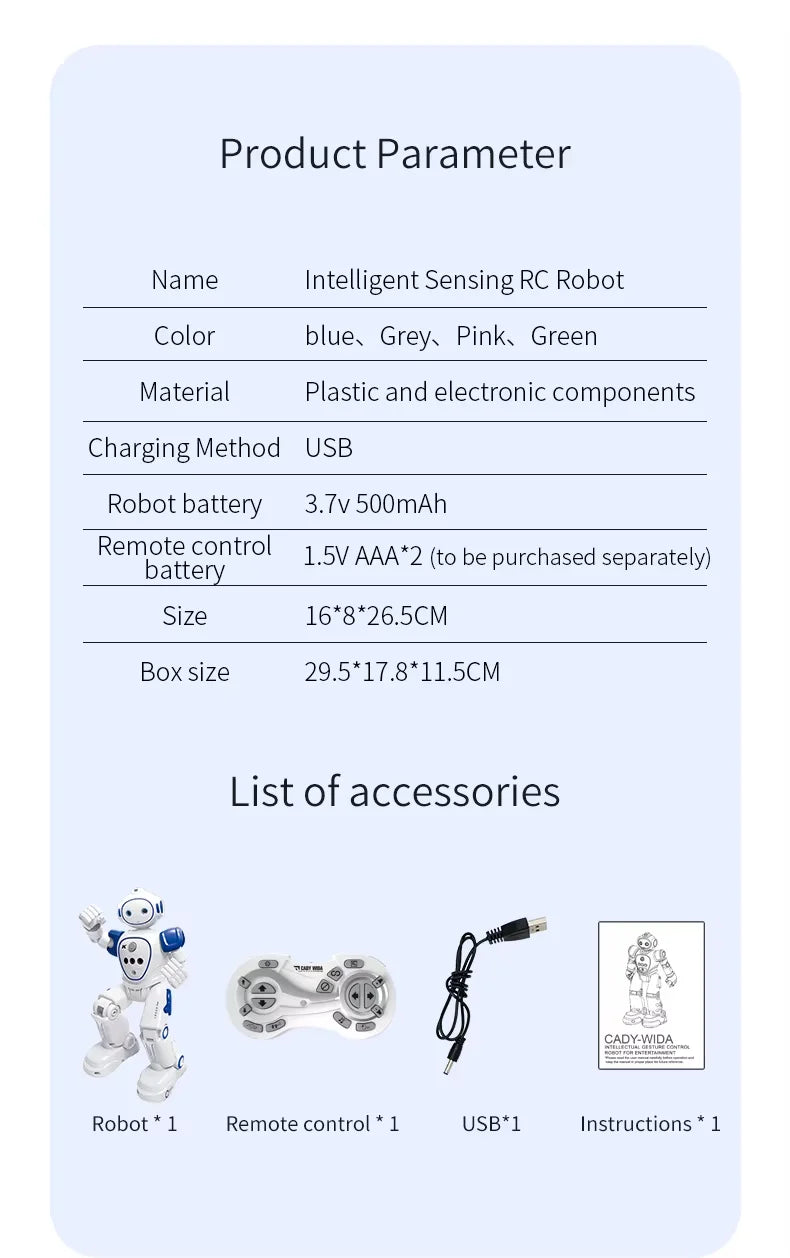
| Robot battery | Built-in 3.7V 600mAh rechargeable lithium battery |
| Charging method | USB charging |
| Approximate charging time | About 60 minutes |
| Approximate play time | Up to approximately 60 minutes per charge, depending on the functions used and the condition of the battery |
| Remote batteries | 2 x AA batteries, sold separately |
| Control distance | Up to approximately 10 metres in a clear play area |
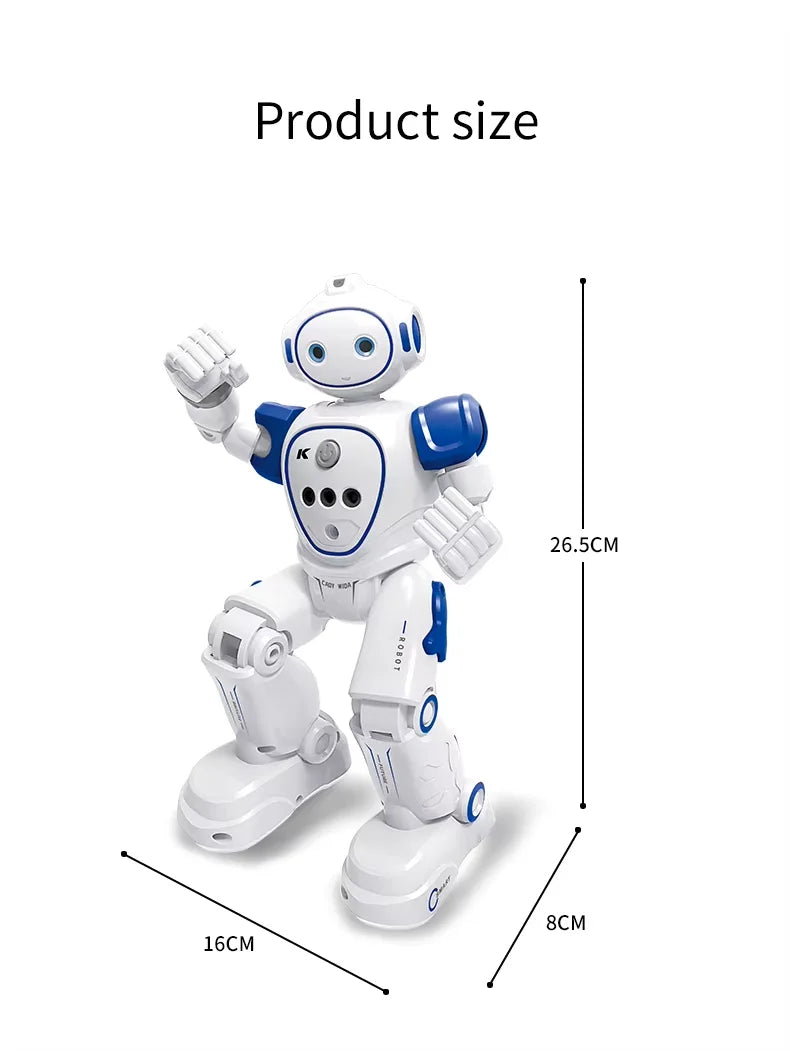
| Product size | Approximately 26.5 cm high x 16 cm wide x 8 cm deep |
| Assembly | Ready to use after charging the robot and installing batteries in the remote |
| Control methods | 2.4G remote control, hand-gesture sensing and programmed action sequences |
| Movement | Walking and sliding forward, backward, left and right, with fast and slow movement options |
| Sound and lights | Music, songs, robot sounds, volume control and illuminated LED eyes |
More ways to play than a basic RC toy
Meet the Emo Robot Toy 2.4G - a remote-control robot that also reads your hand gestures. Wave, and it moves. Press a button, and it walks, slides, dances or plays music. Program a short sequence of moves on the remote and watch the robot perform it back, step by step.
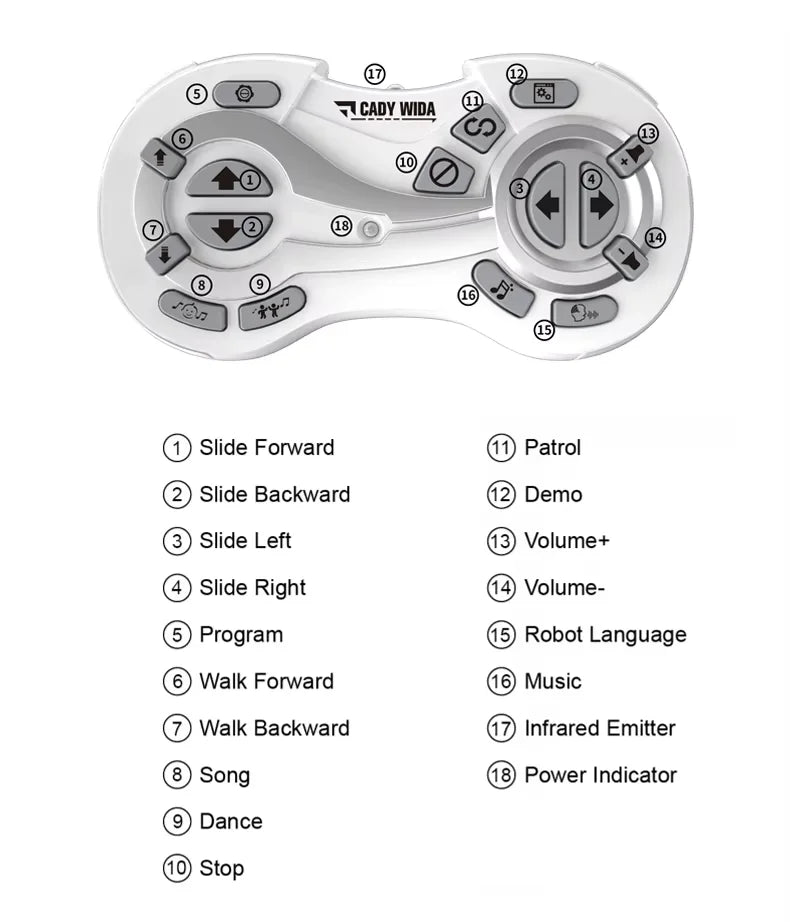
The remote provides direct control over walking, sliding, direction, speed, music, dance and demonstration modes. The hand-gesture sensor offers another way to play by responding to supported movements made in front of the robot.
No Wi-Fi, no app and no coding platform needed - everything runs on the included 2.4G remote and the robot's built-in sensor, so it's ready to play as soon as it's charged. Choose Blue or Pink, and give a genuinely interactive gift for a young robot fan.
Looking for more options? Browse the full robot toy collection at Toys4us.
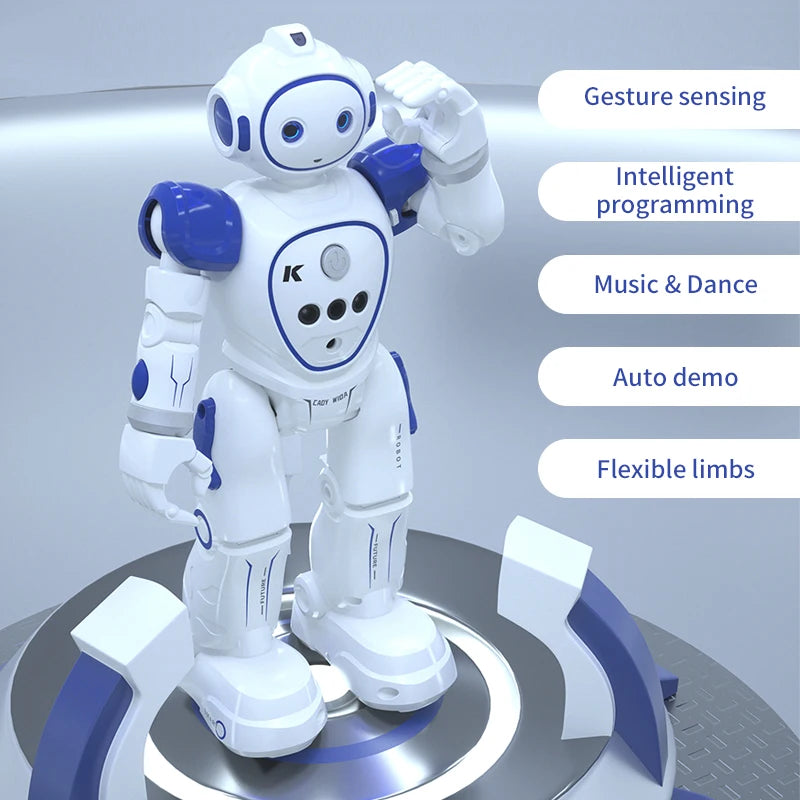
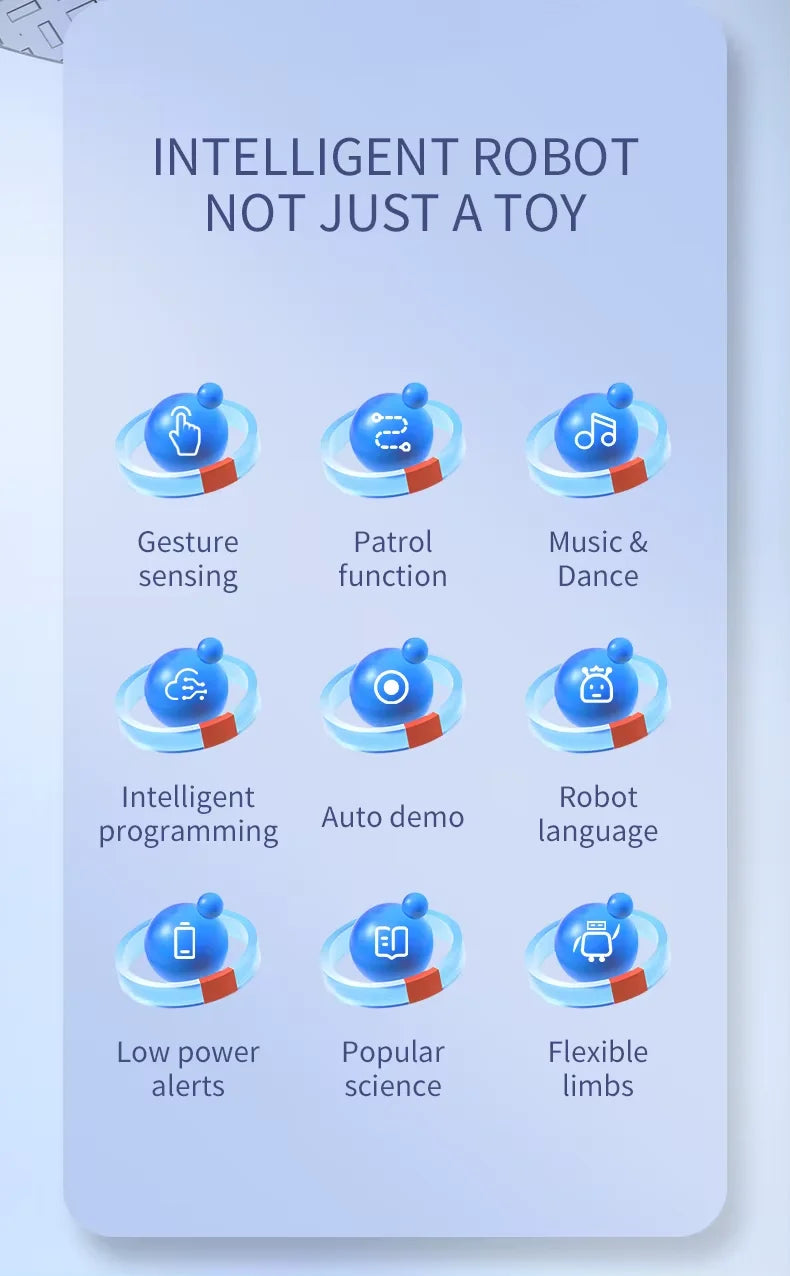
How the smart functions work
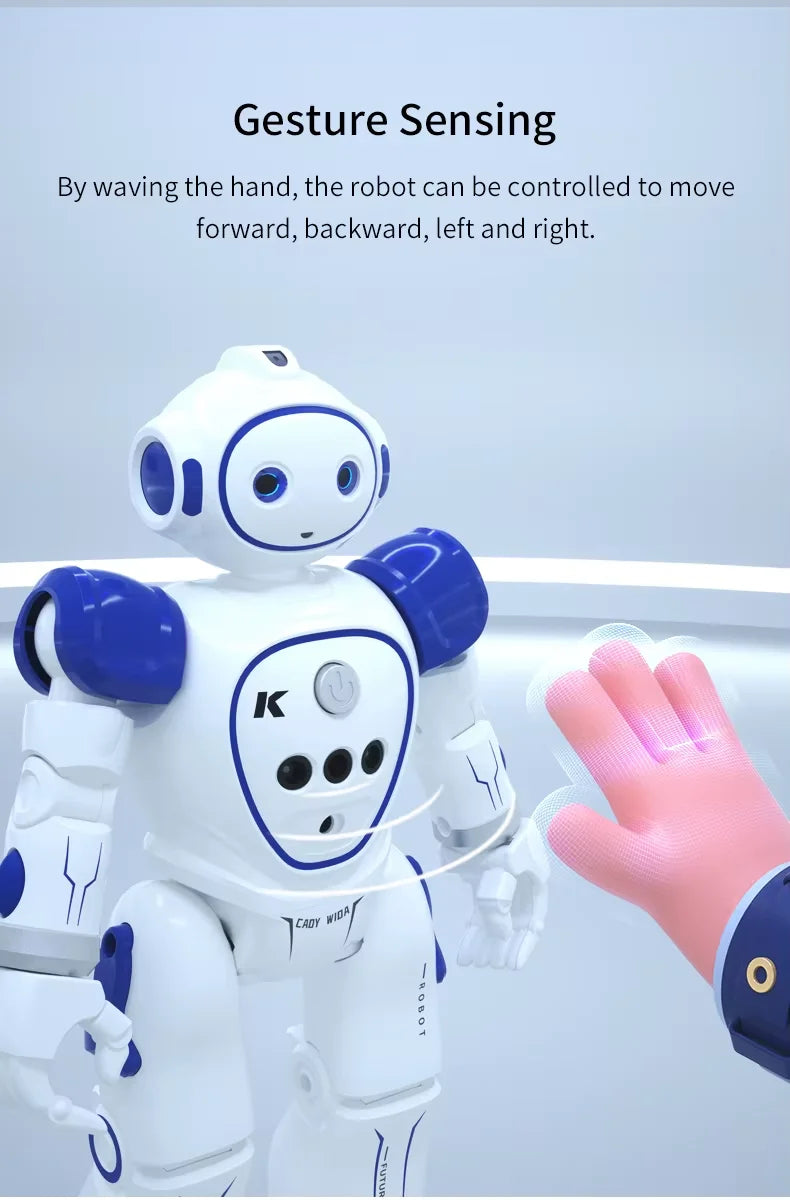
Hand-gesture sensing
Move your hand in front of the sensor to guide the robot in supported directions without pressing a movement button.
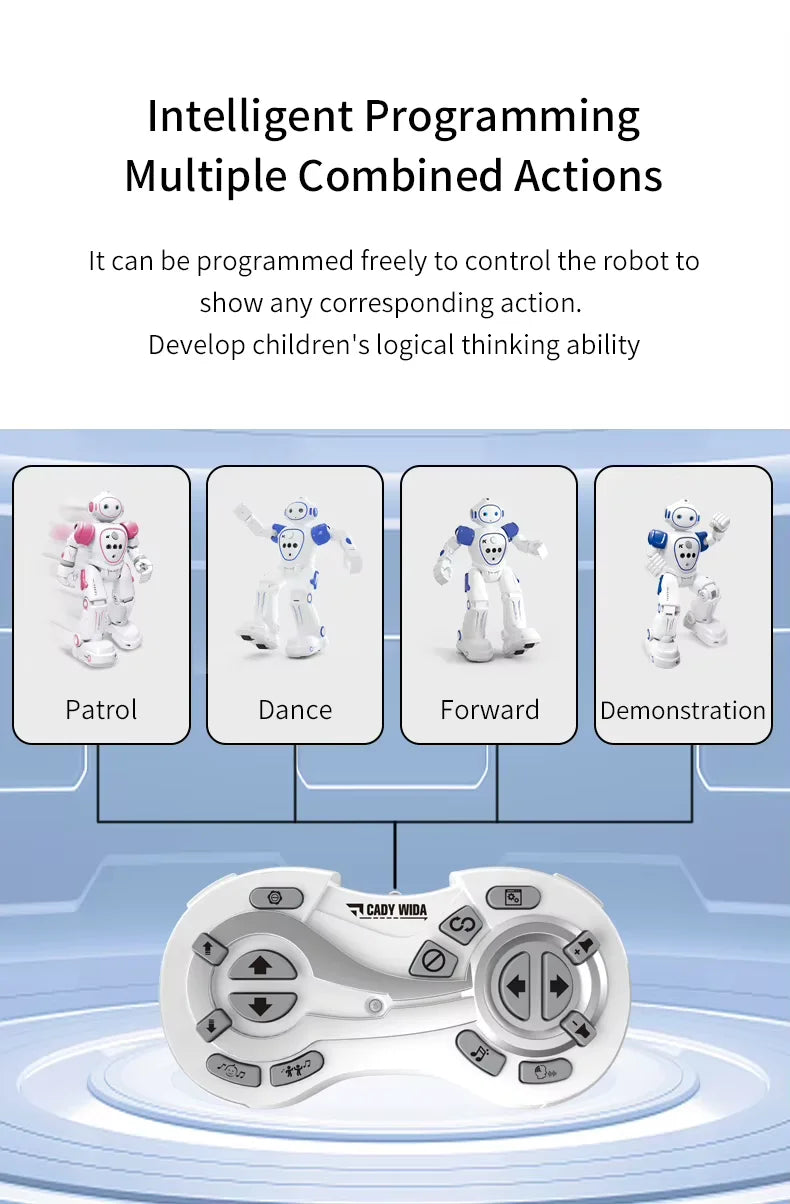
Programmable actions
Use the remote to arrange a short sequence of supported movements and actions, then ask the robot to perform them in order.
Automatic demonstrations
Activate a built-in demonstration to see the robot combine movement, sound and performance features.
Preset robot responses
The robot responds to remote commands and supported gestures using actions already built into the toy. It is not a conversational AI device.
Features for varied play
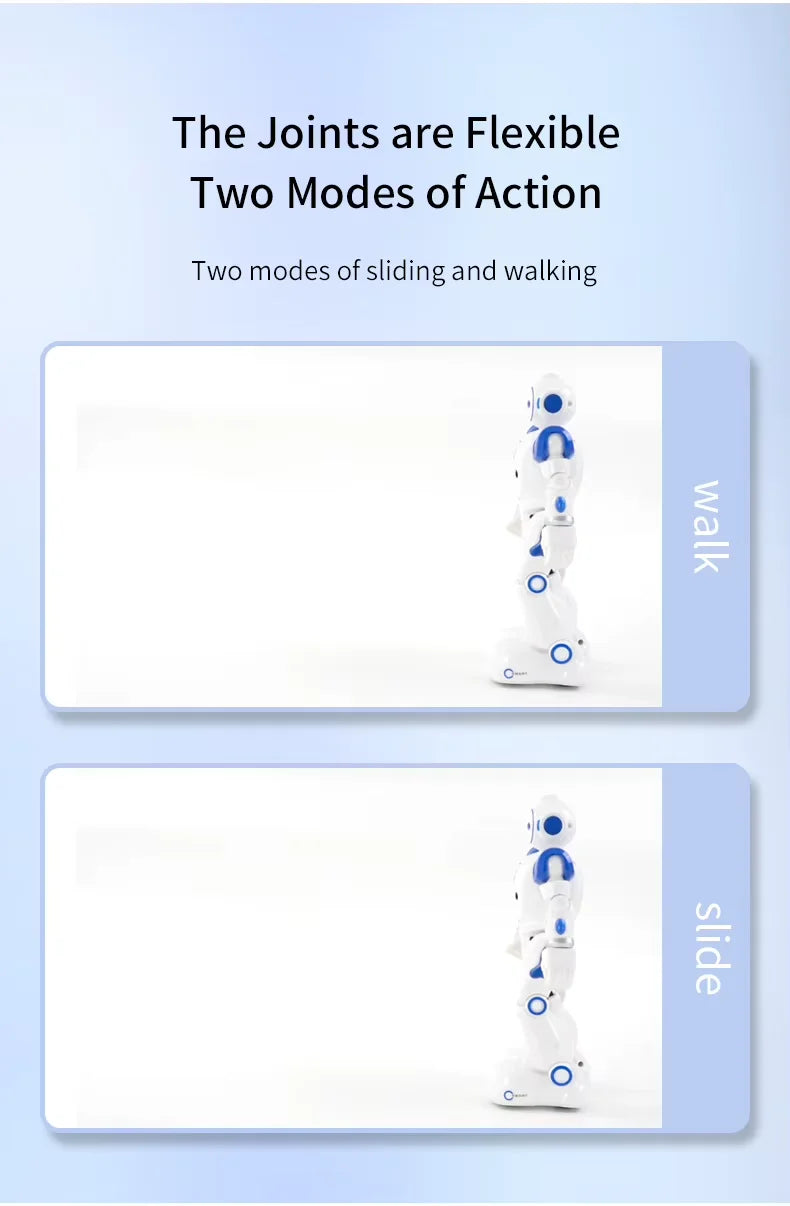
Walking and sliding
Switch between walking and wheeled sliding, then guide the robot forward, backward, left or right.
Create an action routine
Arrange supported movements in a simple order and play the sequence back. This introduces basic sequencing and cause-and-effect through play.
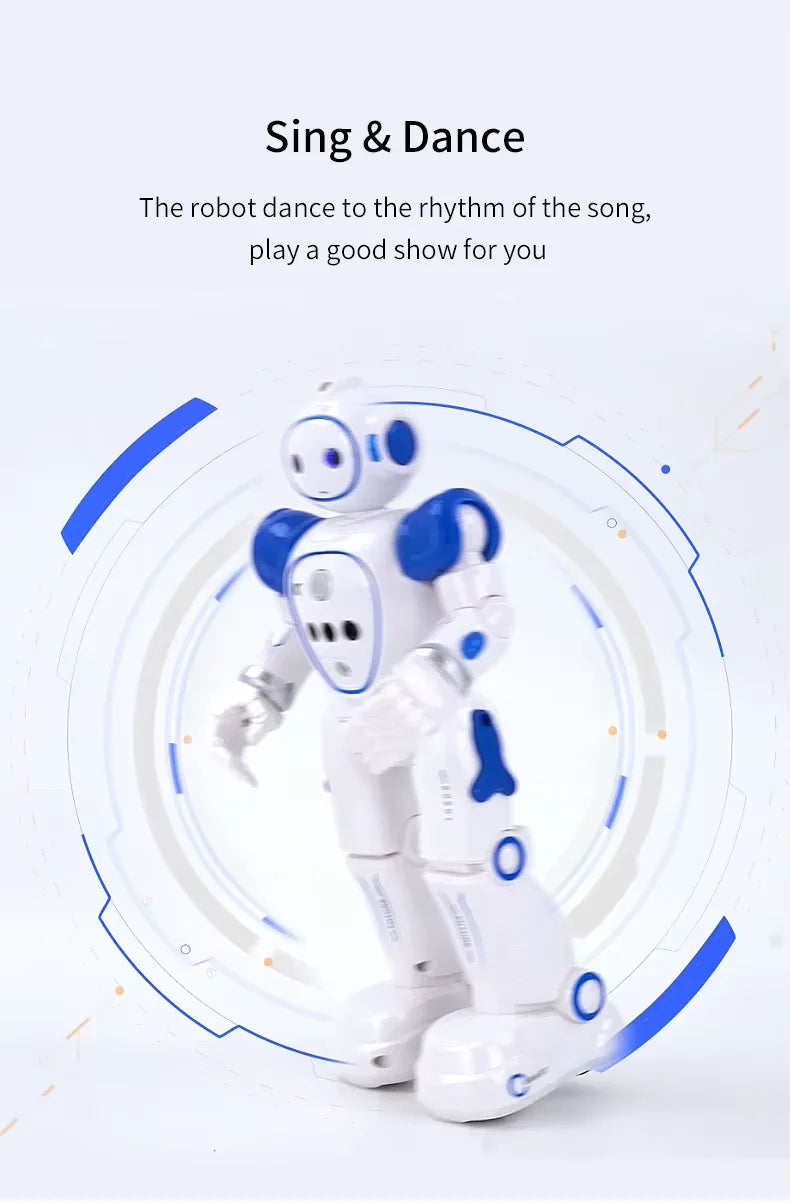
Music and dancing
Use the music, song and dance controls to start a built-in performance. Adjust the volume when quieter play is preferred.
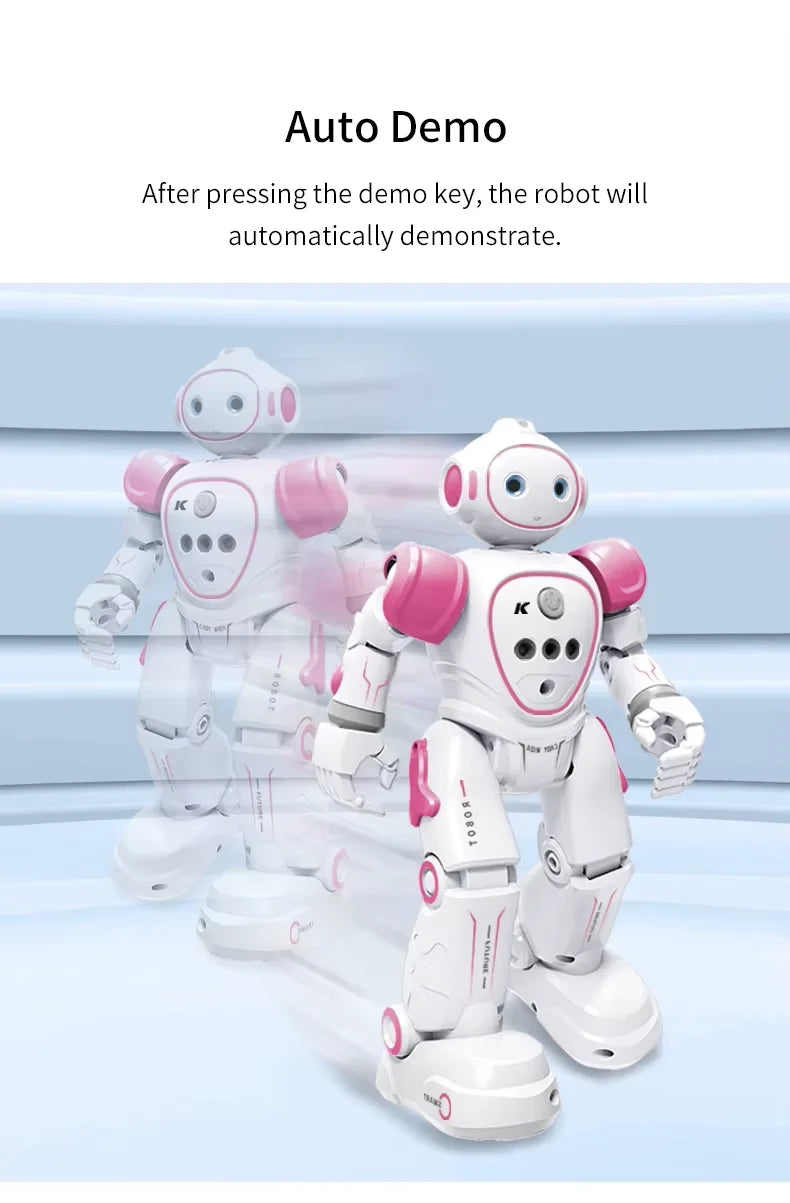
Automatic demonstration
Press the demo button to watch a preset routine and become familiar with the robot's movements and sounds.
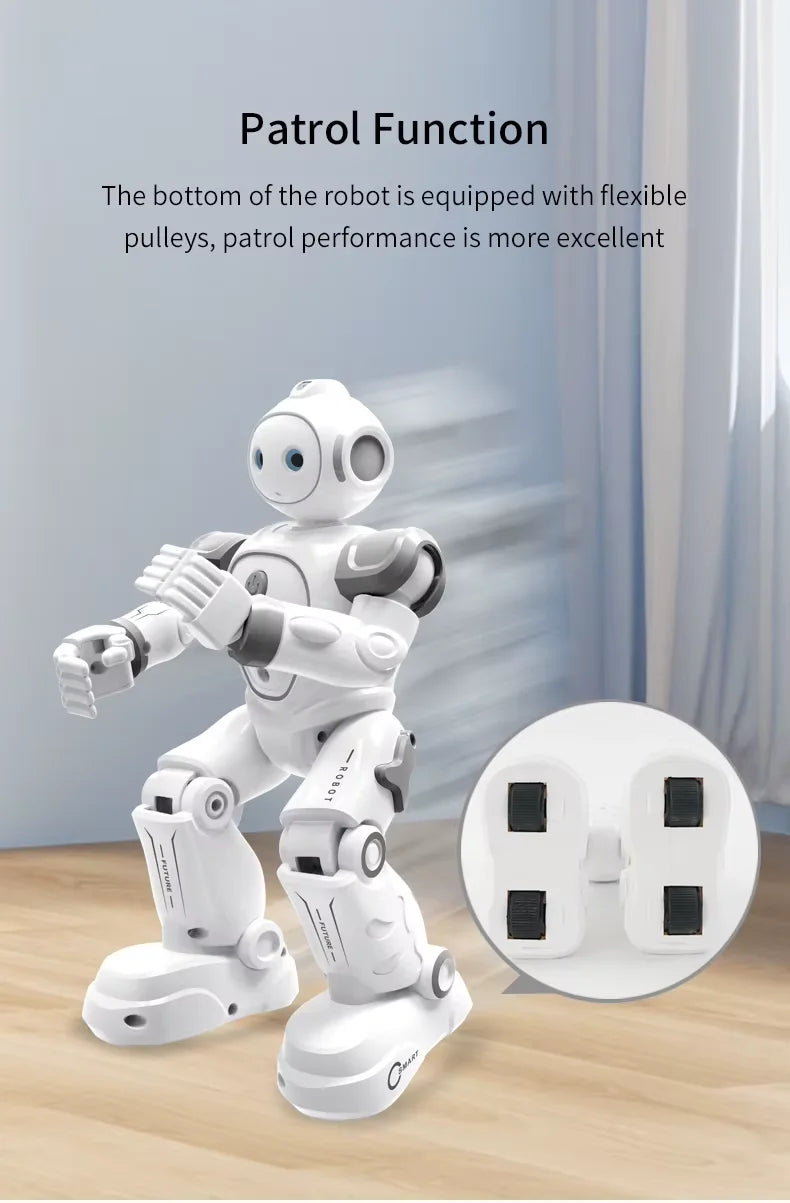
Patrol mode
Activate patrol mode and allow the robot enough clear floor space to move and demonstrate its sliding functions.
Fast and slow movement
Change the movement speed to suit the available play area and the user's confidence with the controls.
One-button stop
Use the stop function when you need to quickly pause the robot during movement or a programmed routine.
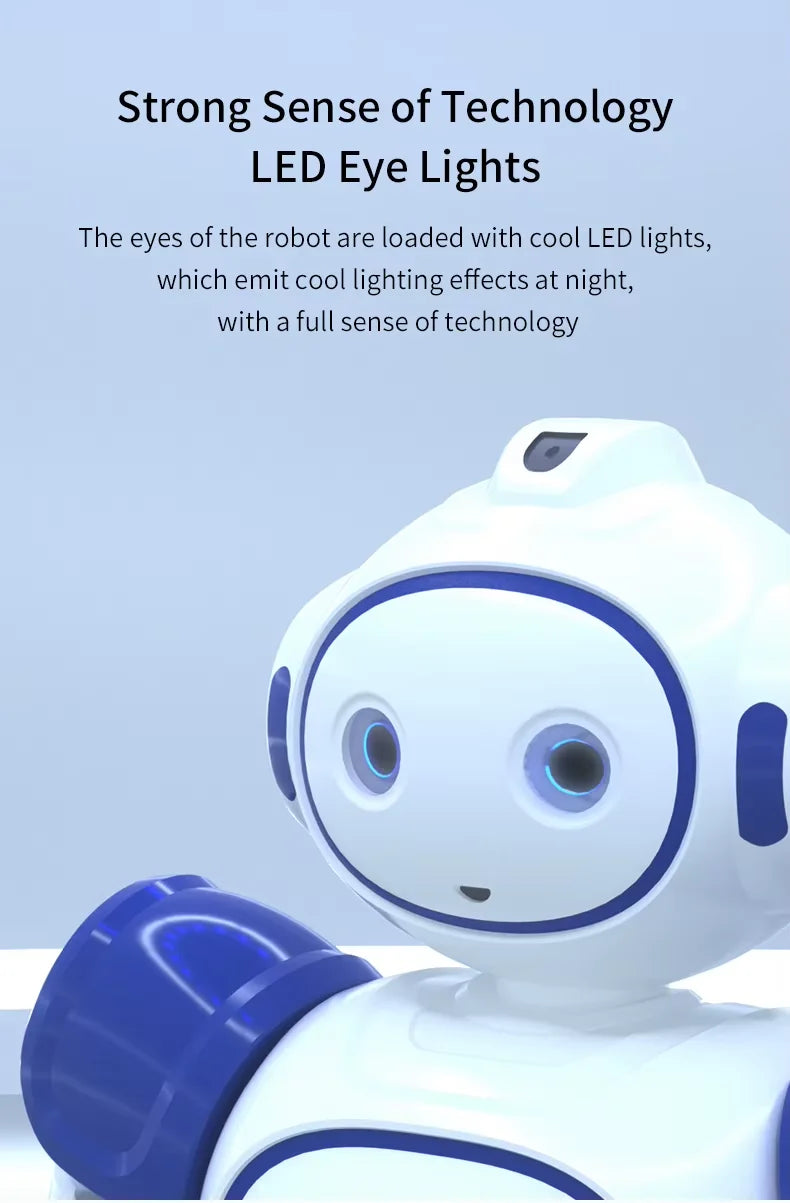
LED eye lights
The robot's illuminated eyes add a colourful visual effect during movement, music and dance performances.
How to set up and use the robot
-
Charge the robot. Connect the supplied USB cable to a suitable USB power source and allow the battery to charge before first use.
-
Prepare the remote. Install 2 AA batteries in the correct direction. The AA batteries are sold separately.
-
Choose a suitable play area. Start on a clear, smooth and level indoor floor. Thick carpet may restrict the small wheels beneath the robot's feet.
-
Try the demonstration mode. The automatic demonstration offers a quick introduction to the robot's movement, music and performance functions.
-
Practise the direction controls. Try moving forward, backward, left and right before switching between walking and sliding.
-
Create a short sequence. Use the program button to arrange supported movements and actions, then play the sequence back.
-
Test the gesture sensor. Move your hand clearly in front of the sensor. Begin at close range and keep the sensor area unobstructed.
-
Recharge when movement becomes weaker. Stop the robot and recharge the battery if the movement slows or the low-power alert activates.
Choose your preferred colour
The Emo Robot Toy 2.4G is available in Blue and Pink. Select your preferred colour from the product options before adding the robot to your cart.
What is included
- 1 x Emo Robot Toy 2.4G
- 1 x remote controller
- 1 x USB charging cable
- 1 x instruction manual
Age, safety and battery care
- This product is best suited to children around ages 5-9, with adult supervision.
- Read the instruction manual before operating or charging the robot.
- Adult guidance is recommended during charging and first use.
- Use the robot indoors on a dry, smooth and uncluttered surface.
- Keep the robot away from stairs, water, sand, outdoor dirt and strong impacts.
- Keep fingers, hair, loose clothing and small objects away from the wheels and moving joints.
- Do not force the robot to move if a wheel or joint becomes obstructed.
- Switch the robot off before removing anything caught around the wheels or feet.
- Stop using the robot if the battery becomes unusually hot, swollen, damaged or produces an unusual smell.
- Use the supplied charging cable and do not leave charging equipment unattended.
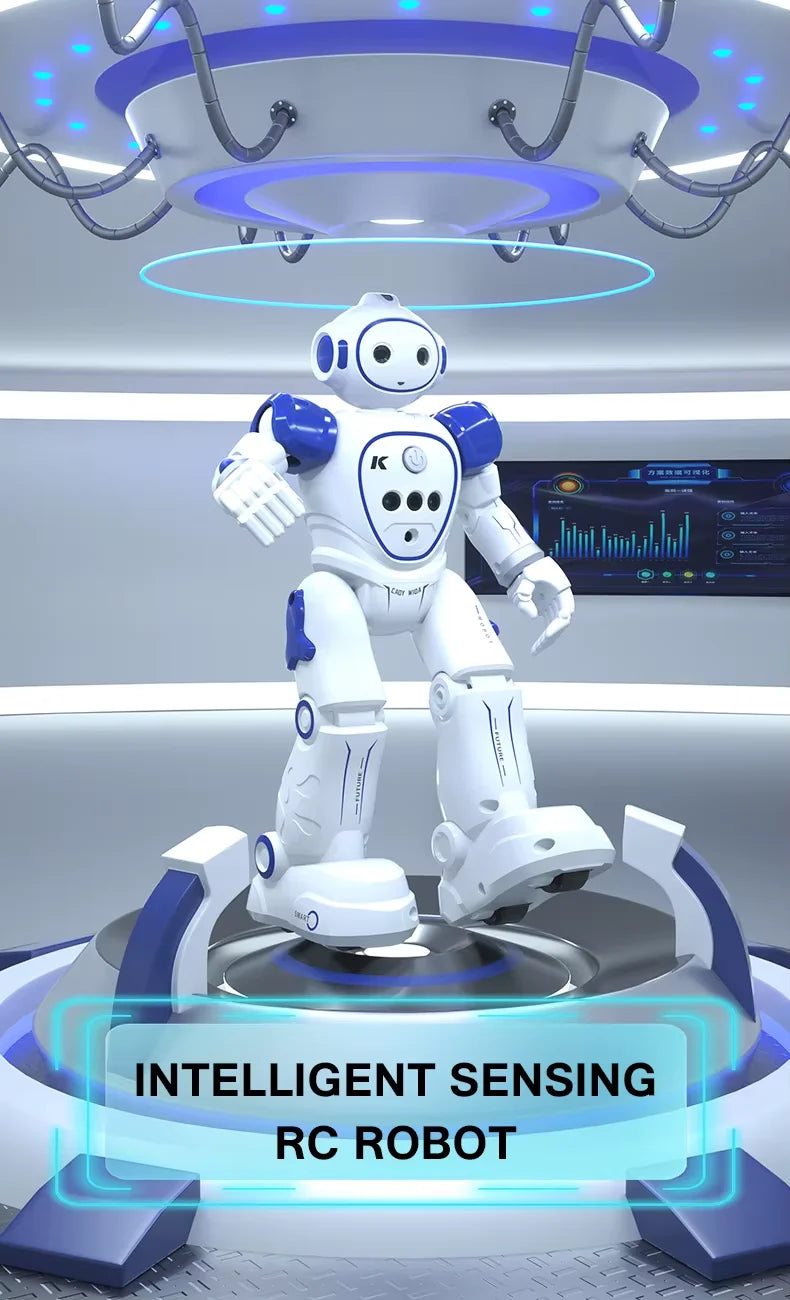
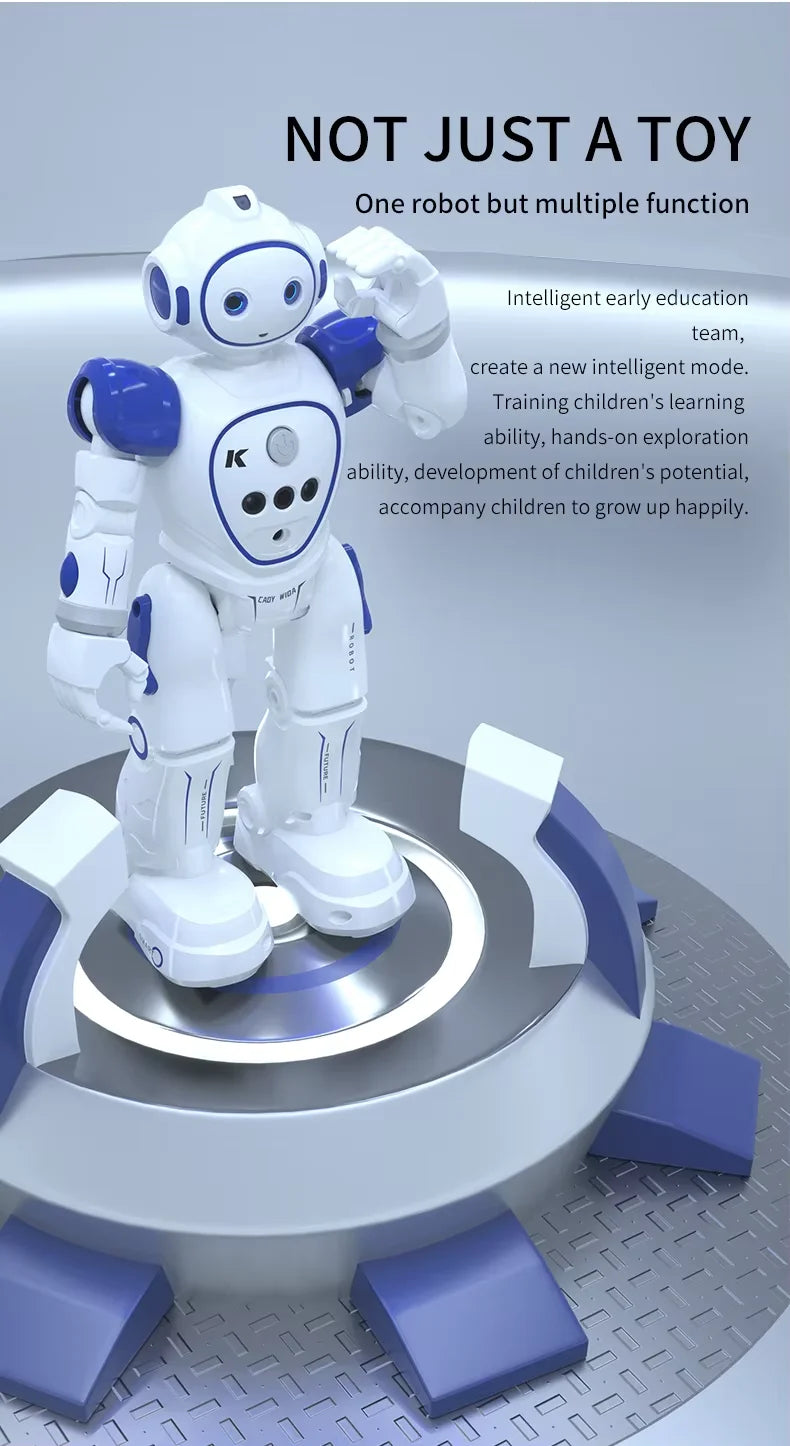
Visual product guide
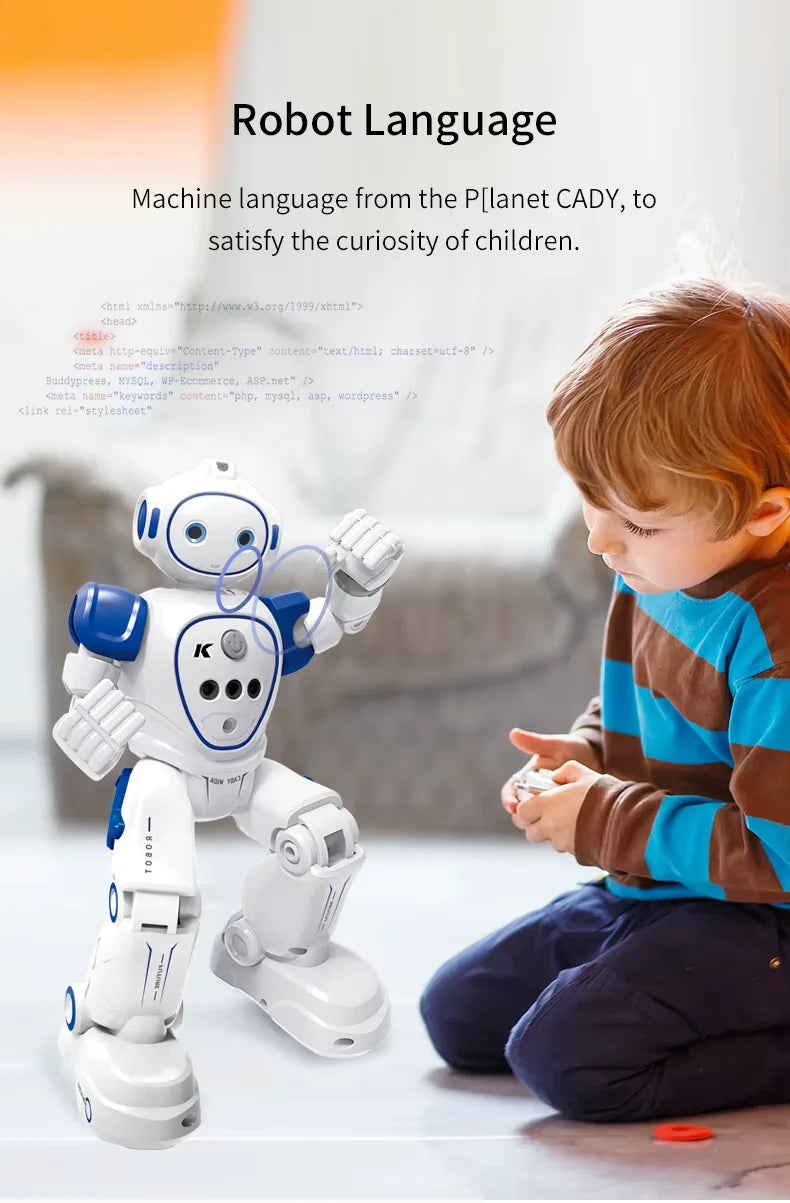
Use these images to learn about the robot's design, controls, movement modes, charging requirements and dimensions before buying.
Frequently asked questions
Is this a conversational AI robot?
No. This is a sensor-based remote-control toy with built-in movements, sounds and programmable action sequences. It does not hold conversations or connect to an online AI service.
Can I program the robot?
You can use the remote to arrange a short sequence of supported movements and actions. This provides simple action programming without requiring an app or computer.
Does the robot come with batteries?
The robot has a built-in rechargeable battery. The remote requires 2 AA batteries, which are sold separately.
How long does the robot take to charge?
Charging takes approximately 60 minutes. Follow the charging instructions in the included manual and use the supplied USB cable.
How long can the robot play on one charge?
A full charge provides up to approximately 60 minutes of use. Play time can vary depending on movement, music, volume, floor resistance and battery condition.
Will the robot move on carpet?
A smooth, hard floor is recommended for walking and sliding. Low-pile carpet may allow some movement, but thick or soft carpet can restrict the small wheels beneath the feet.
How does gesture control work?
Move your hand clearly near the front sensor to activate supported directional responses. Start close to the sensor and make sure nothing blocks it.
Which colours can I choose?
The available colour options are Blue and Pink. Select your preferred colour before adding the robot to your cart.
What is included in the package?
The package includes one robot, one remote controller, one USB charging cable and one instruction manual. The 2 AA batteries required for the remote are sold separately.
What age is the robot recommended for?
This robot is best suited to children around ages 5-9. Please check current retail packaging for the manufacturer's exact age guidance, and provide adult supervision during charging and first use.
Does the robot need a phone or mobile app?
No. The robot is operated using the included remote controller and its hand-gesture sensor. It does not require a mobile app or Wi-Fi connection.
Ready to choose your Emo Robot?
Select Blue or Pink, check that the age guidance suits the recipient, and have 2 AA batteries ready for the remote. Once charged, the robot is ready for remote-control movement, gesture play, music, dancing and programmable action sequences.
Still comparing options? Read our guide to the best toy robots for kids, or see more remote control toys under $100.